











 |
| Hi There,
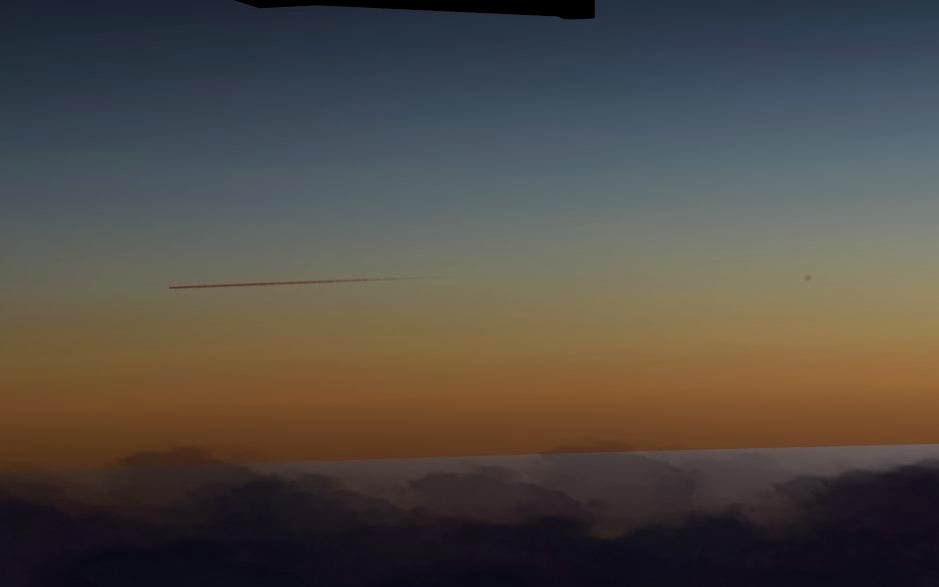
I HAVE DONE MY WORK ON SOME BETTER REALISTIC AND MORE NATURAL LOOKING SKYCOLORS FOR X-PLANE 12
Installation:
-download my addon unzip the file
-open it there
-than cut the skycolor folder and go to:
"X-Plane 21\Resources\bitmaps\"
and paste it in the bitmaps folder and overwrite the files DO NOT DELETE THE OLD SKYCOLORS FOLDER ITSELF JUST OVERWRITE THE EXISTING FILES and make a backup of it somewhere!
Thats all you need to do!
-srcreenshots where done by Foxtrot#7373 and me! Thx Foxtrot for helping me out
Note: Please download, install and use my other addons as well for the best experiance! (Comming soon!)
Im hopeing for detailed reviews and feedback!
Thank you for downloading my Add-On!
Best regards,
Zombie-YouTube
Add-On Developer
If you find any problems or bugs feel free to contact me here via DM or on Discord my tag there is: Zombie YT#1188
And If you wanna support my work a donation via PayPal would be great for supporting me!
My PayPal address is: [email protected]
Thank you!

Soyez le premier à commenter.